Leveraging Context Mentions
Context mentions represent a powerful enhancement to your interactions with Thunderflow AI, providing targeted information about your project that enables more precise and efficient task execution. These specialized references allow you to direct Thunderflow AI's attention to specific files, folders, problems, and Git commits. All context mentions are initiated with the @ symbol.
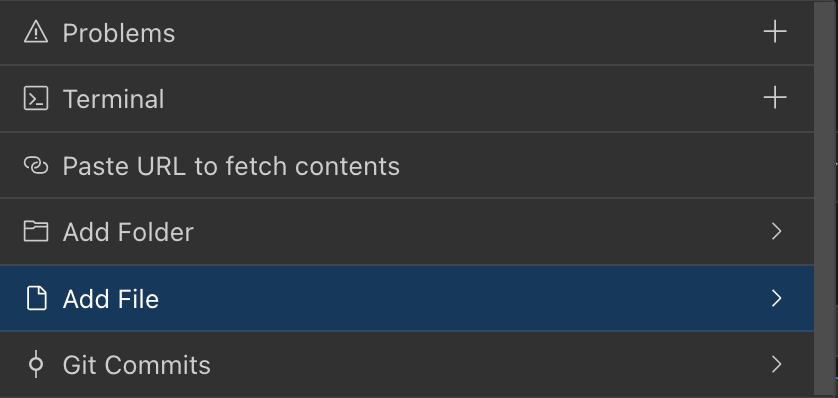
The context mentions interface displays an intelligent dropdown menu when you type the @ symbol in the chat.
Context Mention Types
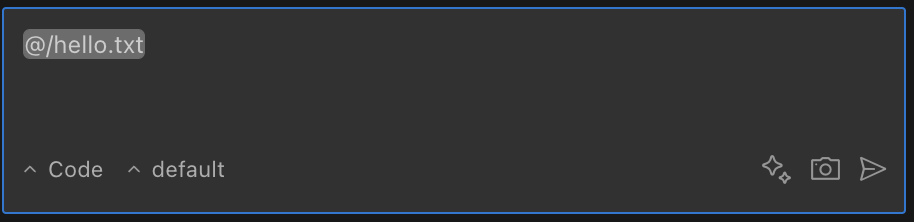
File mentions incorporate actual code content directly into the conversation for immediate reference and analysis.
| Mention Type | Format | Description | Example Usage |
|---|---|---|---|
| File | @/path/to/file.ts | Incorporates complete file contents into the request context | "Explain the function in @/src/utils.ts" |
| Folder | @/path/to/folder | Includes contents of all files directly in the specified folder (non-recursive) | "Analyze the code structure in @/src/components" |
| Problems | @problems | Imports all diagnostics from VS Code's Problems panel | "@problems Fix all syntax errors in my code" |
| Terminal | @terminal | Captures recent terminal commands and their output | "Debug the error shown in @terminal" |
| Git Commit | @a1b2c3d | References a specific commit by its hash identifier | "What changes were introduced in commit @a1b2c3d?" |
| Git Changes | @git-changes | Displays currently uncommitted changes | "Suggest a commit message for @git-changes" |
| URL | @https://example.com | Imports and processes external website content | "Summarize the documentation at @https://docusaurus.io/" |
File Mentions
File mentions incorporate source code with line numbers for precise reference and navigation.
| Capability | Details |
|---|---|
| Format | @/path/to/file.ts (always begin with / from workspace root) |
| Provides | Complete file contents with line numbers for easy reference |
| Supports | Text files, PDFs, and DOCX files (with automatic text extraction) |
| Works in | Initial requests, feedback responses, and follow-up messages |
| Limitations | Very large files may be truncated; binary files are not supported |
Folder Mentions
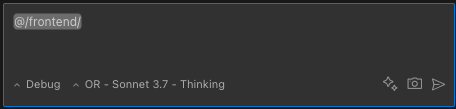
Folder mentions aggregate the content of all files within the specified directory for comprehensive analysis.
| Capability | Details |
|---|---|
| Format | @/path/to/folder (without trailing slash) |
| Provides | Consolidated contents of all files within the specified directory |
| Includes | Contents of non-binary text files directly within the folder (not recursive) |
| Best for | Providing comprehensive context from multiple related files in a directory |
| Tip | Consider context window limitations when mentioning directories with numerous files |
Problems Mention
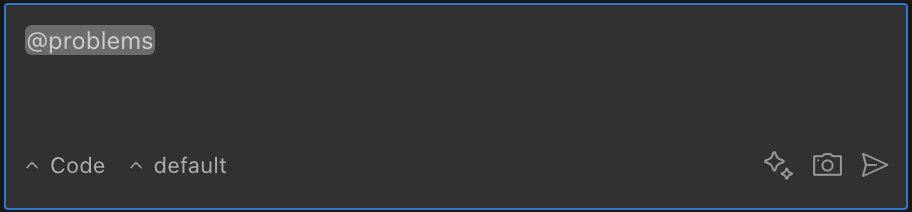
Problems mentions import diagnostic information directly from VS Code's problems panel for immediate resolution.
| Capability | Details |
|---|---|
| Format | @problems |
| Provides | Comprehensive list of errors and warnings from VS Code's problems panel |
| Includes | File paths, line numbers, and detailed diagnostic messages |
| Groups | Problems organized by file location for improved clarity |
| Best for | Efficiently addressing errors without manual copying or transcription |
Terminal Mention
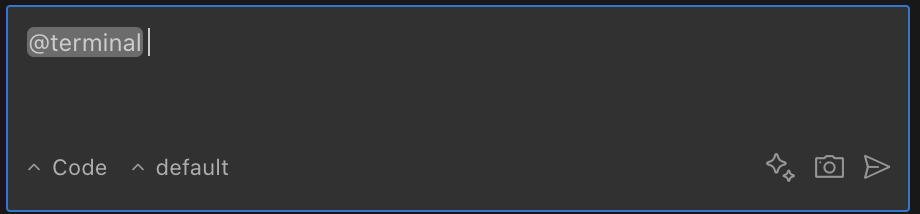
Terminal mentions capture recent command execution output for debugging and analysis purposes.
| Capability | Details |
|---|---|
| Format | @terminal |
| Captures | Most recent command and its complete output |
| Preserves | Terminal state (non-destructive operation) |
| Limitation | Content limited to visible terminal buffer |
| Best for | Debugging build errors or analyzing command execution results |
Git Mentions
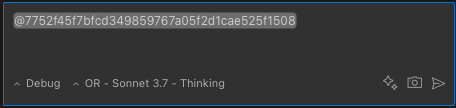
Git mentions provide detailed commit information and diffs for context-aware version analysis.
| Type | Format | Provides | Limitations |
|---|---|---|---|
| Commit | @a1b2c3d | Commit message, author information, date, and complete diff | Only functional within Git repositories |
| Working Changes | @git-changes | git status output and comprehensive diff of uncommitted changes | Only functional within Git repositories |
URL Mentions
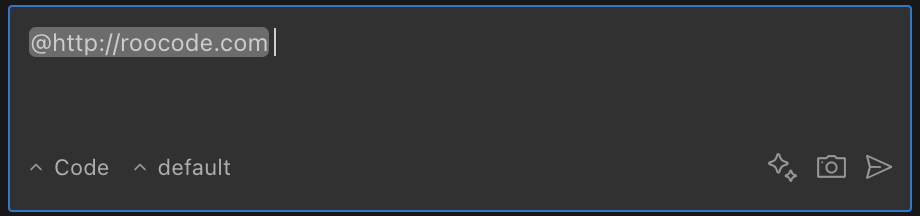
URL mentions import external web content and transform it into readable Markdown format for analysis.
| Capability | Details |
|---|---|
| Format | @https://example.com |
| Processing | Utilizes headless browser technology to fetch content |
| Cleaning | Automatically removes scripts, styles, and navigation elements |
| Output | Converts web content to Markdown format for improved readability |
| Limitation | Complex page structures may not convert with perfect fidelity |
Utilizing Context Mentions
- Type
@in the chat input field to activate the suggestions dropdown - Continue typing to filter available suggestions or use arrow keys to navigate options
- Select your desired mention with the Enter key or mouse click
- Combine multiple mentions in a single request: "Fix @problems in @/src/component.ts"
The intelligent dropdown automatically suggests:
- Recently accessed files
- Visible folders in your workspace
- Recent Git commits
- Special keywords (
problems,terminal,git-changes) - All currently open files (regardless of ignore settings or directory filters)
The dropdown intelligently filters out common directories like node_modules, .git, dist, and out to reduce visual clutter, though their content can still be included if manually typed.
Important Behavioral Considerations
Ignore File Interactions
| Behavior | Description |
|---|---|
.thunderflowignore bypass | File and folder @mentions bypass .thunderflowignore checks when retrieving content for context. Content from ignored files will be included when directly mentioned. |
.gitignore bypass | Similarly, file and folder @mentions do not adhere to .gitignore rules when retrieving content. |
| Git command respect | Git-related mentions (@git-changes, @commit-hash) do respect .gitignore settings since they rely on underlying Git commands. |